Understanding Object-Oriented Programming in JavaScript

OOP is a way of organising your code around real-world things — cars, students, bank accounts. Instead of scattered variables and functions, everything that belongs together stays together.
What is OOP?
Programming with real-world things
Imagine you're building a car dealership app. You need to store information about many cars — each with a make, model, year, and colour. You could create separate variables for every car, but that gets messy fast. OOP gives you a better way: define what a car is once, then create as many individual cars as you need from that definition.
This "definition" is called a class. Each individual car made from it is called an object (or instance). Think of the class as an architect's blueprint — the blueprint itself isn't a house, but you can build as many identical (or slightly different) houses from it as you want.
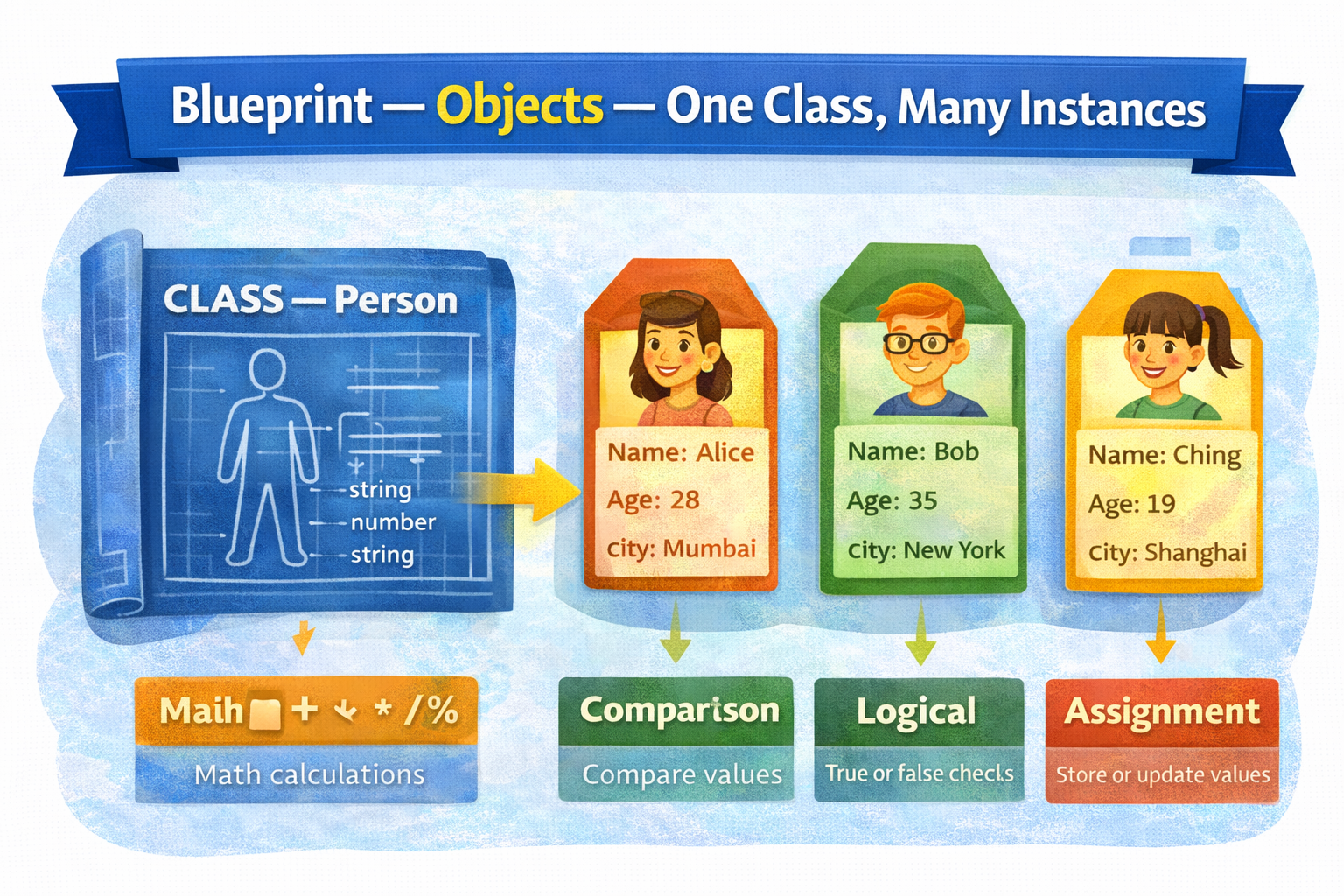
Four pillars of OOP: the full topic has four core ideas — encapsulation, inheritance, polymorphism, and abstraction. In this article we'll focus on the two most important ones to start: writing classes and encapsulation. The others build naturally on top.
Classes
Writing your first class
A class is defined with the class keyword, followed by a name (always capitalised by convention), and a pair of curly braces. Everything that belongs to this class goes inside those braces.
A minimal class
class Car {
  // properties and methods go here
}

// Create an object from the class using 'new'
const myCar = new Car();

console.log(myCar); // Car {}
Naming convention: class names always start with a capital letter —
Car,Person,BankAccount. This helps distinguish classes (blueprints) from regular variables and functions (which use camelCase). It's a universal JavaScript convention.
Constructor method
Setting up properties when an object is created
The constructor is a special method inside a class that runs automatically every time you create a new object with new. It's where you set up the initial properties of the object — the values that make each instance unique.
Inside the constructor, this refers to the specific object being created. So this.name = name means "set this object's name property to the value passed in."
Class with constructor
class Person {
  constructor(name, age) {
    this.name = name; // set property on this object
    this.age = age;
  }
}

const alice = new Person("Alice", 28);
const bob = new Person("Bob", 24);

console.log(alice.name); // "Alice"
console.log(bob.age); // 24
Three objects from one class — each has its own property values
lice
name: "Alice";
age: 28;
bob
name: "Bob";
age: 24;
carol
name: "Carol"
age: 31
One class, infinite objects. This is the whole point of OOP — you write the structure once in the class, then stamp out as many objects as you need. Each object gets its own copy of the properties, but they all share the same shape.
Methods
Functions that belong to the class
A method is just a function defined inside a class. Methods describe what objects can do. A Person might have a greet() method. A Car might have a describe() method. Inside a method, this gives you access to the object's own properties.
Class with methods
class Person {
  constructor(name, age) {
    this.name = name;
    this.age = age;
  }

  greet() {
    console.log(`Hi, I'm \({this.name} and I'm \){this.age} years old.`);
  }

  isAdult() {
    return this.age >= 18;
  }
}

const alice = new Person("Alice", 28);
alice.greet(); // Hi, I'm Alice and I'm 28 years old.
console.log(alice.isAdult()); // true
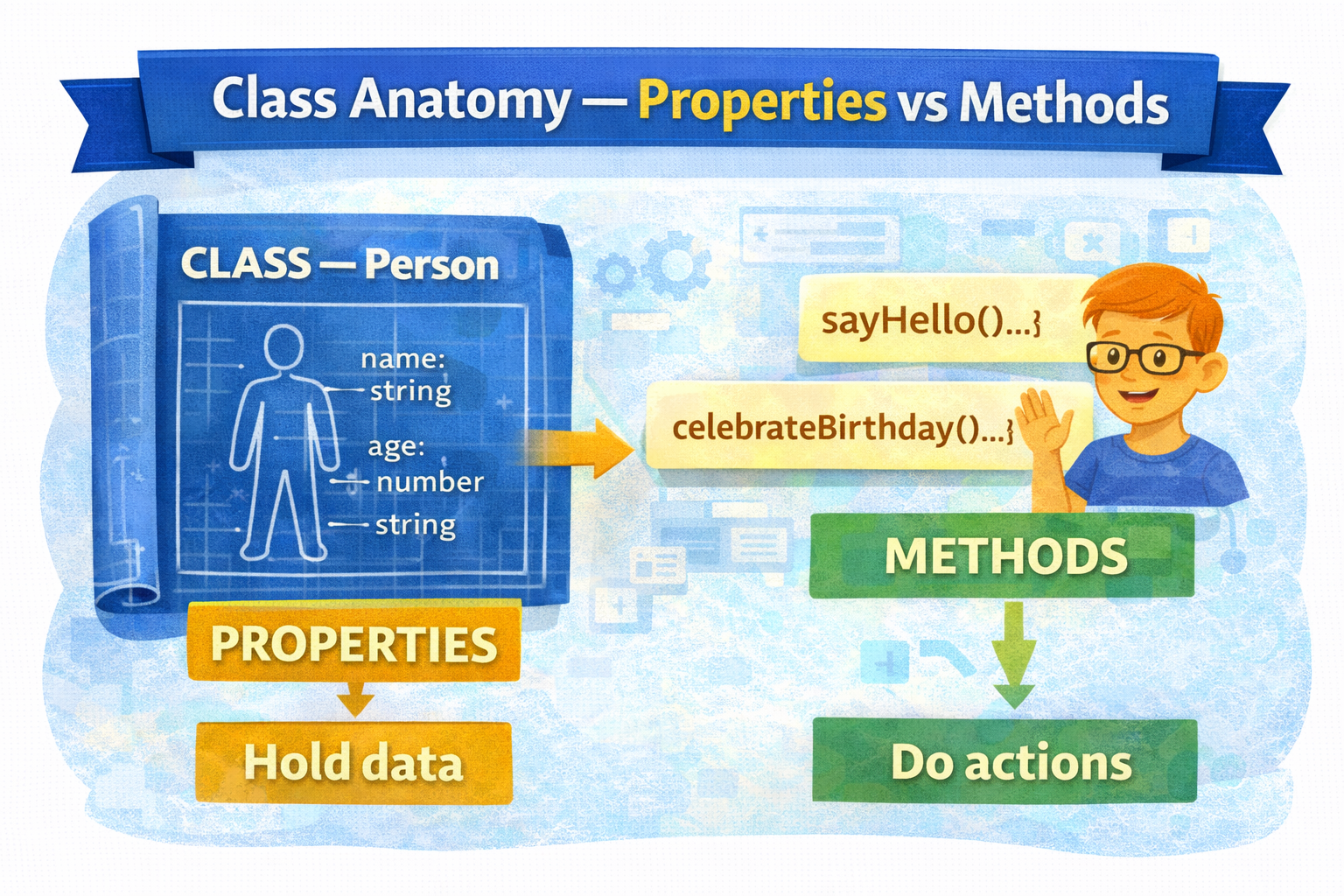
Encapsulation
Keeping data and behaviour together
Encapsulation is the OOP principle of bundling data (properties) and the behaviour that operates on that data (methods) into one unit — the class. Instead of having a person's name and age floating around as separate variables and a separate function to greet them, everything lives together in one tidy package.
Without OOP — scattered code
// Data and logic are all over the place
const personName = "Alice";
const personAge = 28;

function greetPerson(name, age) {
  console.log(`Hi, I'm \({name}, age \){age}`);
}

greetPerson(personName, personAge);
With OOP — everything in one place
// Data AND logic live together in the class
class Person {
  constructor(name, age) {
    this.name = name;
    this.age = age;
  }
  greet() {
    console.log(`Hi, I'm \({this.name}, age \){this.age}`);
  }
}

const alice = new Person("Alice", 28);
alice.greet(); // clean — no extra arguments needed
Why this matters: as your app grows, you'll have dozens of functions and hundreds of variables. Encapsulation keeps code organised — everything related to a
Personlives in thePersonclass. When something breaks, you know exactly where to look.


