Control flow: if, else, and switch explained
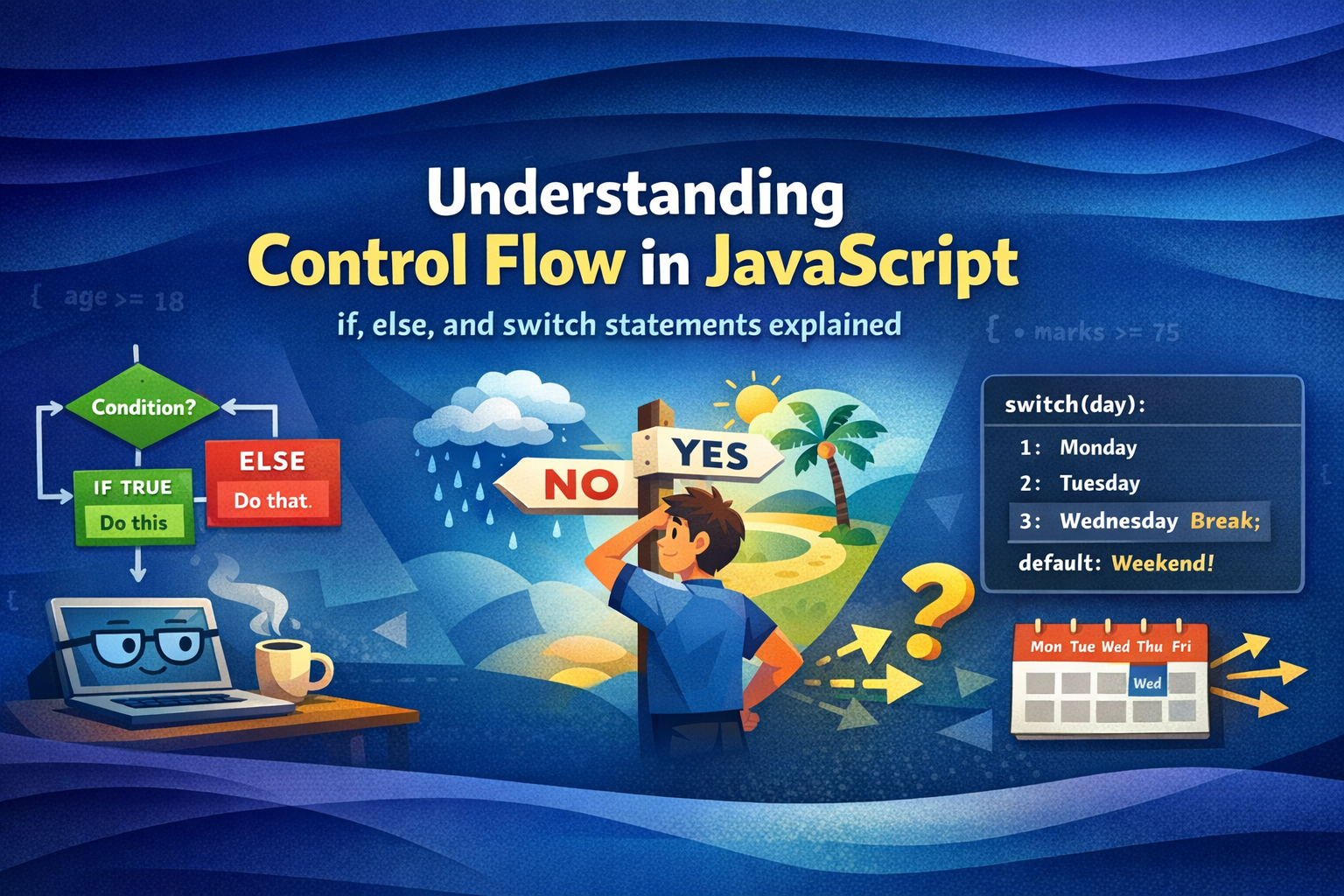
Every program needs to make decisions. Control flow is how your code chooses which path to take — just like real-life choices, but written in JavaScript.
What is control flow?
Your code makes decisions
Normally, JavaScript runs your code line by line, top to bottom. But most programs need to react to different situations — show a welcome message if the user is logged in, show an error if they're not. That ability to branch is called control flow.
Think about decisions you make every day:
Real life
ifit's raining → carry an umbrella
ifscore ≥ 90 → grade A
ifage ≥ 18 → you can vote
ifday = Monday → start of week
In JavaScript
if (rain)bringUmbrella()
if (score >= 90)grade = "A"
if (age >= 18)canVote = true
switch (day)case "Mon"...
JavaScript gives you two main tools for this: if / else for flexible conditions, and switch for checking one value against many possibilities.
if statement
The simplest decision
An if statement runs a block of code only if a condition is true. If the condition is false, it skips the block entirely.
Basic if statement
const age = 20;

if (age >= 18) {
  console.log("You are an adult.");
}

// age is 20 — condition is true, so this prints
// Output: You are an adult.
How JavaScript reads this, step by step
const age = 20 ----- age is now 20
if (age >= 18) → if (20 >= 18) → if (true) -------- condition: true
console.log("You are an adult.") ------- runs
Condition must be in parentheses — the ( ) after if are required. The code block goes inside { }. If you forget the curly braces on a single-line if, only the very next line is affected — a common source of bugs.
if-else statement
Two paths: do this, or do that
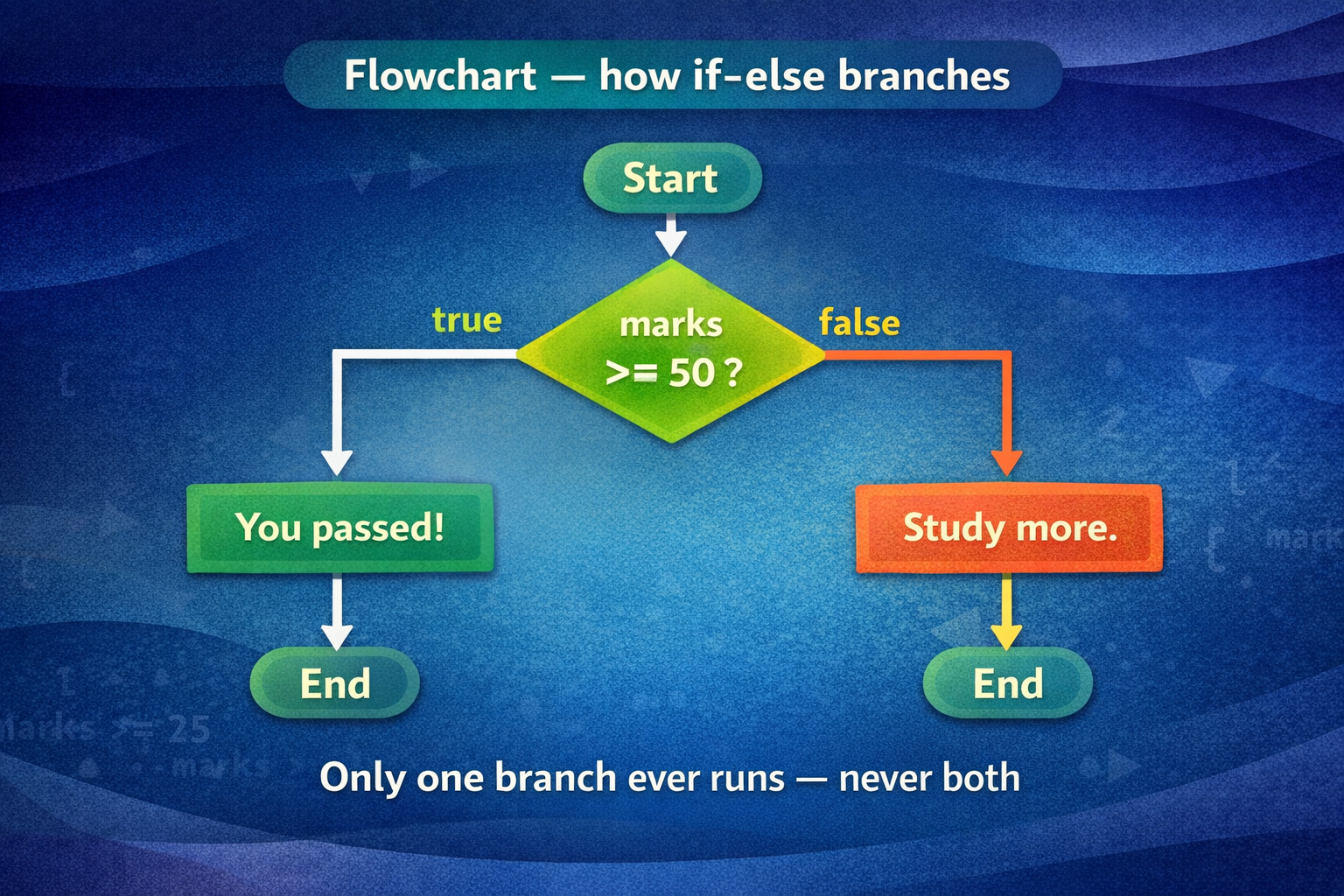
Sometimes you want your program to do something different when the condition is false. That's what else is for — it's the fallback path.
if-else — two possible outcomes
const marks = 45;

if (marks >= 50) {
  console.log("You passed!");
} else {
  console.log("You need to study more.");
}

// marks = 45 — condition is false
// Output: You need to study more.
Flowchart — how if-else branches
else if ladder
Multiple conditions in sequence
When you have more than two possibilities, you chain conditions together with else if. JavaScript checks each one in order and runs the first block that's true — then skips the rest.
Grading system — else if ladder
const marks = 72;

if (marks >= 90) {
  console.log("Grade: A");
} else if (marks >= 75) {
  console.log("Grade: B");
} else if (marks >= 60) {
  console.log("Grade: C");
} else {
  console.log("Grade: F — try again");
}

// marks = 72 → skips A, skips B, passes C
// Output: Grade: C
How JavaScript walks the ladder with marks = 72
if (72 >= 90) → false ----------- skip — move on
else if (72 >= 75) → false ------------------- skip — move on
else if (72 >= 60) → true ----------------------- match! run this
console.log("Grade: C") runs --------------------- rest is skipped
Key rule: Once one condition matches, JavaScript stops checking. The else at the bottom is a safety net — it only runs if nothing above matched.
switch statement
One value, many cases
When you need to compare the same variable to many specific values, switch is cleaner than a long chain of else if. It takes one value and jumps straight to the matching case.
Day of the week using switch
const day = 3;

switch (day) {
  case 1:
    console.log("Monday");
    break;
  case 2:
    console.log("Tuesday");
    break;
  case 3:
    console.log("Wednesday");
    break;
  case 4:
    console.log("Thursday");
    break;
  case 5:
    console.log("Friday");
    break;
  default:
    console.log("Weekend!");
}

// day = 3 → jumps to case 3
// Output: Wednesday
Switch branching — each case is a direct exit
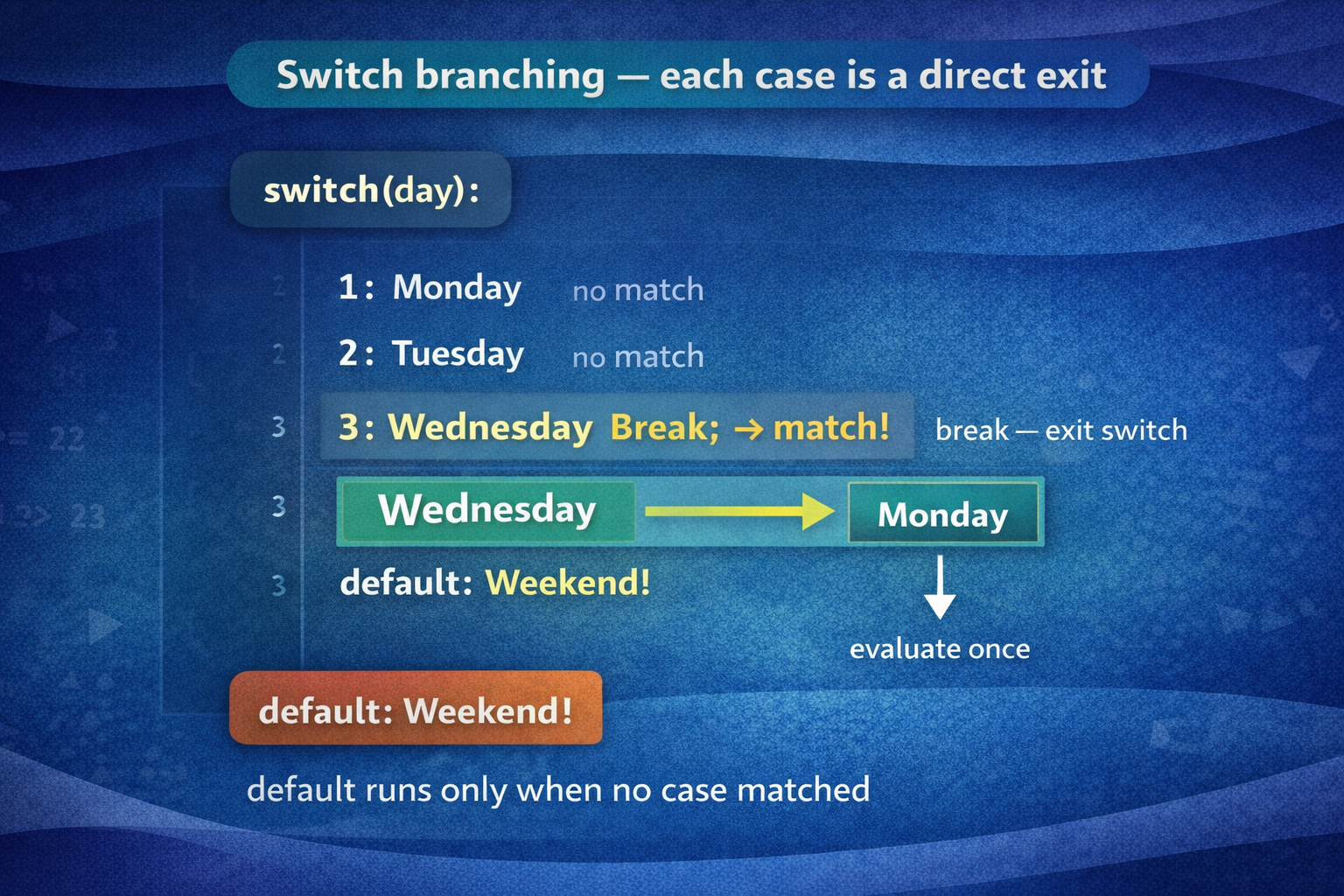
What does break do? Without break, JavaScript keeps running into the next case even if it already found a match. This is called fall-through and almost always causes bugs. Always put break at the end of each case — unless you deliberately want fall-through.
switch vs if-else
When to use which?
Both do similar things. Here's a simple rule of thumb:
| Situation | Use | Why |
|---|---|---|
| Checking a range (> 50, < 100) | if / else if |
Ranges aren't exact values |
| Checking one variable against many exact values | switch |
Cleaner, easier to read |
| Complex or combined conditions | if / else if |
switch can't do && or ` |
| Days, months, menu options | switch |
Perfect fit for named categories |
| Two outcomes only | if / else |
Simplest tool for the job |
Practical tip: When you find yourself writing five or more else if blocks all checking the same variable, that's a signal to switch to switch.


